
Minion Deadpool Character Cursor
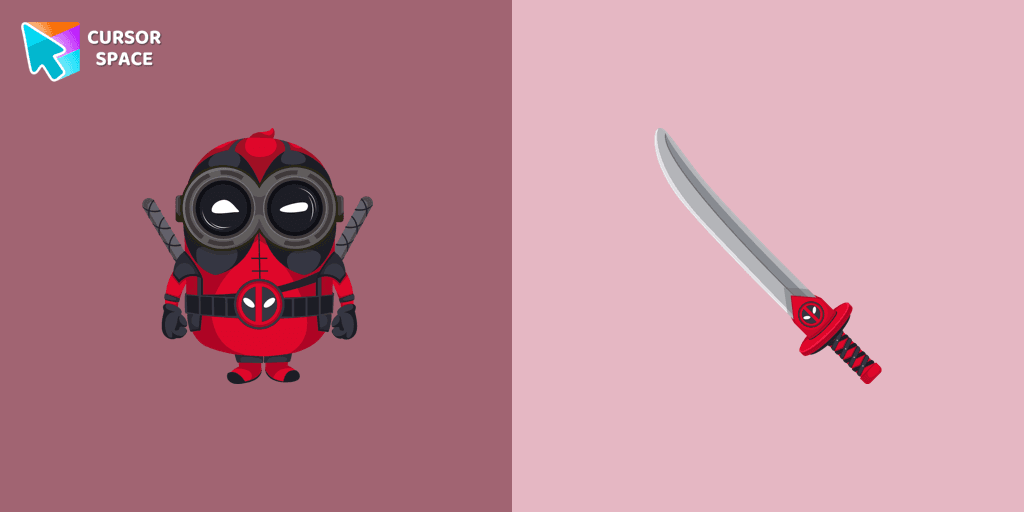
Cursors in the pack
Description
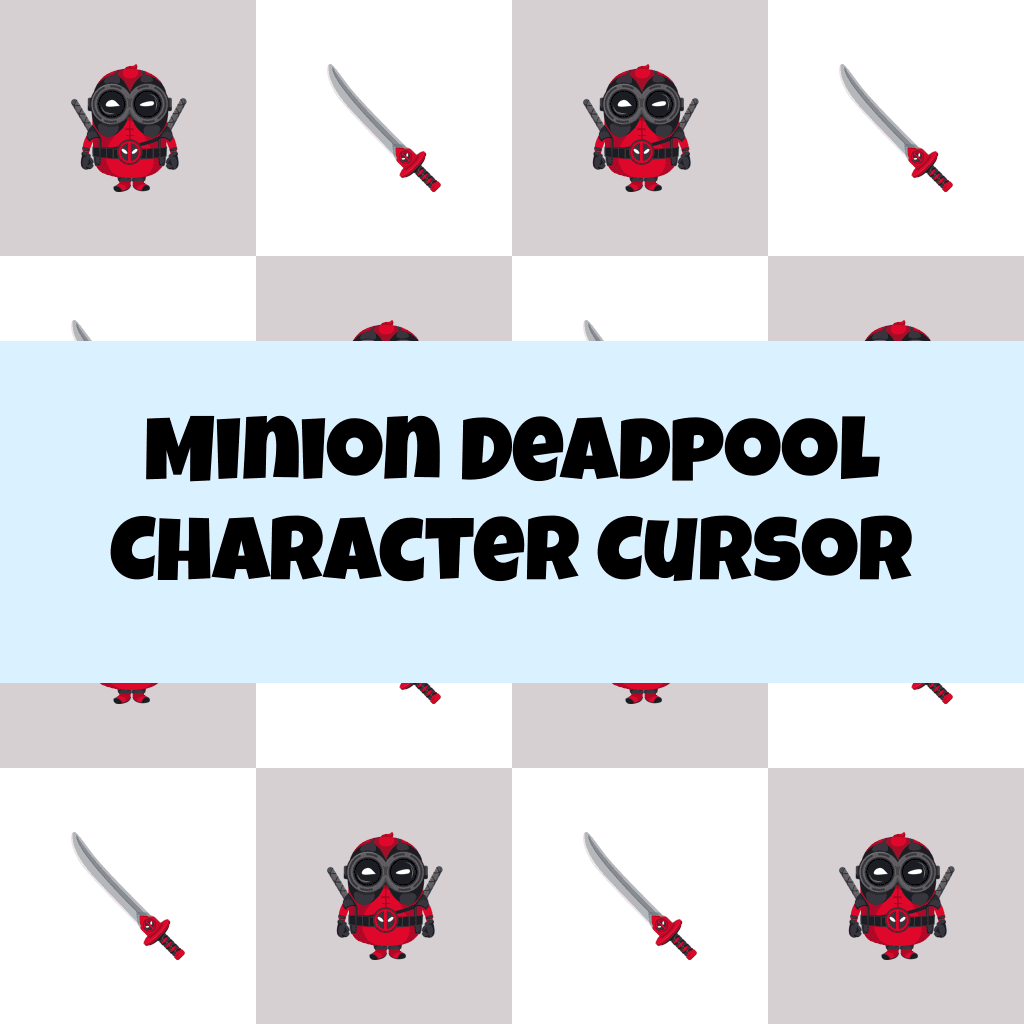
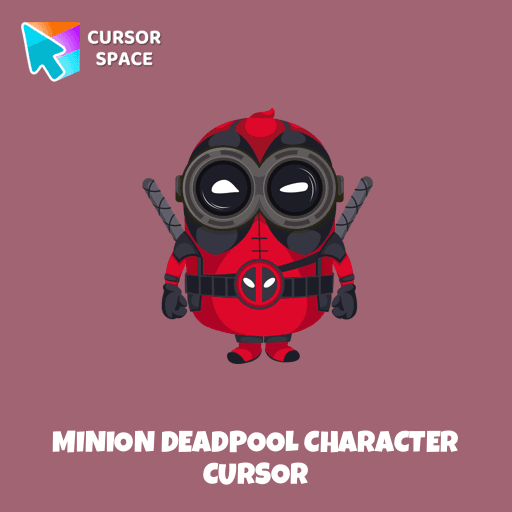
Upgrade your browsing experience with the Minion Deadpool Character custom cursor for Google Chrome! This animated cursor combines the chaotic energy of Minions with the sharp wit and fearless attitude of Deadpool, making it the perfect choice for fans of both franchises. Whether you're scrolling through pages or navigating tabs, this cartoon cursor adds an extra layer of fun and personality to your mouse pointer.
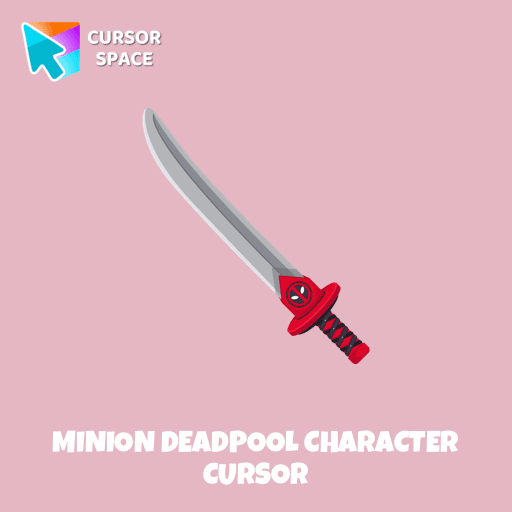
Designed for those who love colorful cursors and themed cursors, this character cursor brings together two iconic worlds—Marvel’s legendary anti-hero and the mischievous yellow Minions. The combination of Deadpool’s red suit, weapons, and signature attitude with the Minions’ goofy expressions and playful nature creates an unforgettable fantasy cursor that stands out on any screen.
More than just a fun cursor, it’s a nostalgic throwback to childhood cartoons, superhero movies, and pop culture icons. Whether you enjoy retro cursors, magic-style designs, or simply want something that makes you smile, this is a must-have addition to your browser cursors collection.
Don’t settle for a boring mouse pointer! Add a touch of superhero action and comedy to your browsing with the Minion Deadpool Character custom cursor. Try it now and let your inner hero (or prankster) shine!
What's included in the package
- Default Cursor
- Pointer (Hand)
How to install a custom cursor pack Minion Deadpool Character Cursor
Install the Cursor Space extension for Chrome or Cursor Space for Edge in your browser.
On this page, click "Add this cursor pack to the extension".
Open the extension and go to the Packs tab.
Find the custom cursor pack "Minion Deadpool Character cursor" and click it.
Enjoy!
Ready to install?
Get this cursor pack and thousands of others by installing our extension. It's fast and free!
About this cursor pack
Minion Deadpool Character Cursor is a themed cursor pack you can add to your browser to personalize your pointer across common cursor states (default and pointer). Use it for everyday browsing, streaming, studying, or gaming-anywhere you want your cursor to match your vibe.
Instant preview
See how the cursors look before installing.
Easy install
Add the pack to the extension in a few clicks.
Works in your browser
Designed for Chrome and Edge via the extension.
FAQ
Quick answers to common questions about cursor packs, collections, and installation.
Do I need an extension?
Which browsers are supported?
How do I switch back to the default cursor?
Popular cursors today
Custom cursor and packs - neon, anime, pixel art. Quickly add to Chrome and Microsoft Edge for free
- TOP 1

Orange gradient cursor
(2.0k)FreeUpgrade your browsing with the Vibrant Orange Gradient Cursor. This custom cursor offers a seamless orange gradient, merging style with functionality
- TOP 2
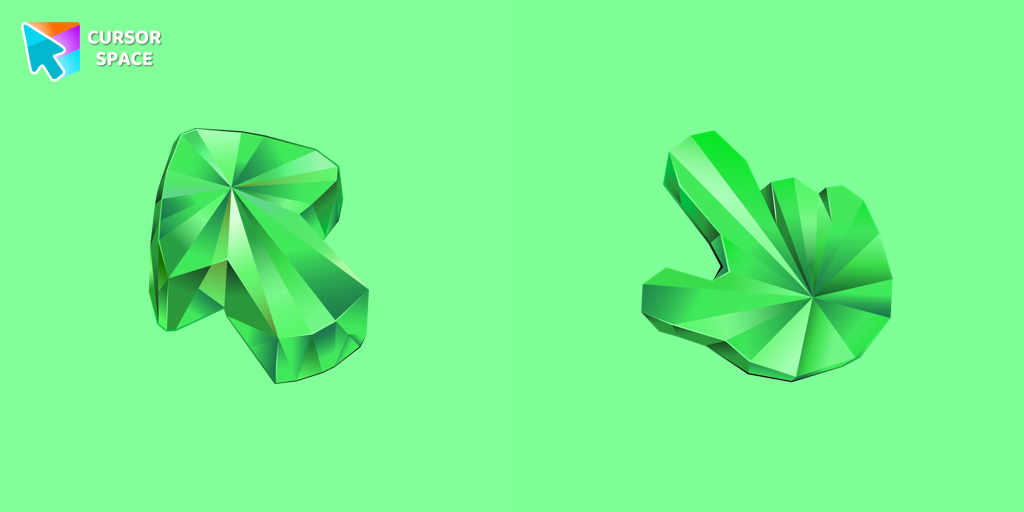
Emerald Texture cursor
(215)FreeEnhance your browsing with the Emerald Texture custom cursor for Google Chrome. Add a touch of elegance and history with this gem-inspired design. Try it now.
- TOP 3
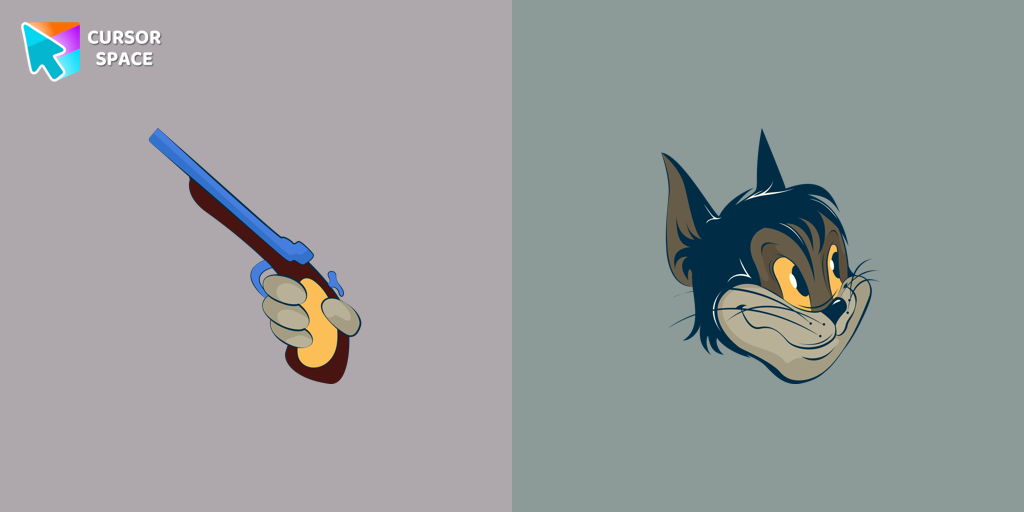
Butch cursor
(98)FreeAdd some humor to your mouse pointer with our funny Butch Cat custom cursor from the Tom & Jerry collection for Chrome.

Angel Tom cursor
(95)FreeTom, the beloved cat from the animated comic cartoon Tom & Jerry, is a well-known character. Recognizable by his blue and grey fur, Tom spends his days chasing the mischievous house mouse, Jerry
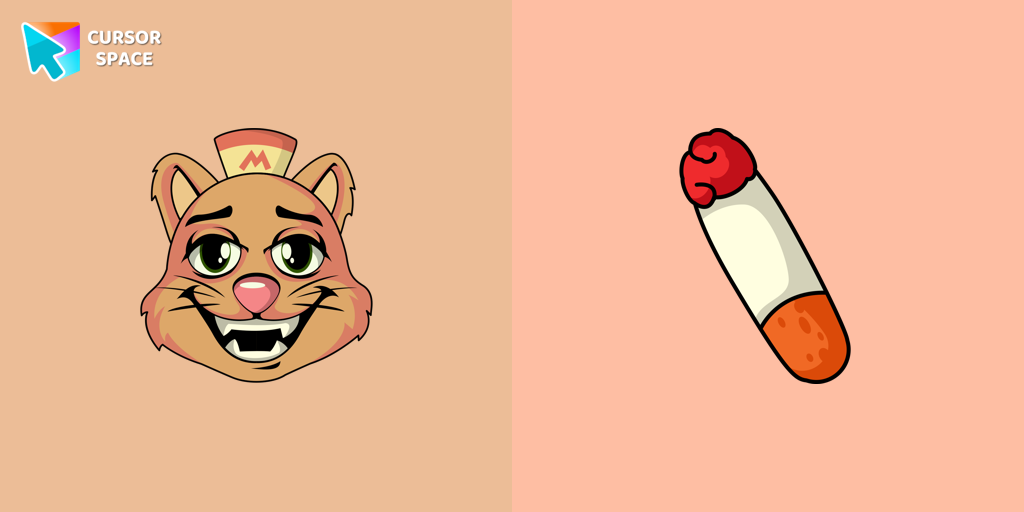
Undertale Burgerpants cursor
(14)FreeBurgerpants custom cursor for the mouse is a good fan art in Undertale and Deltarune cursor collection for Chrome.
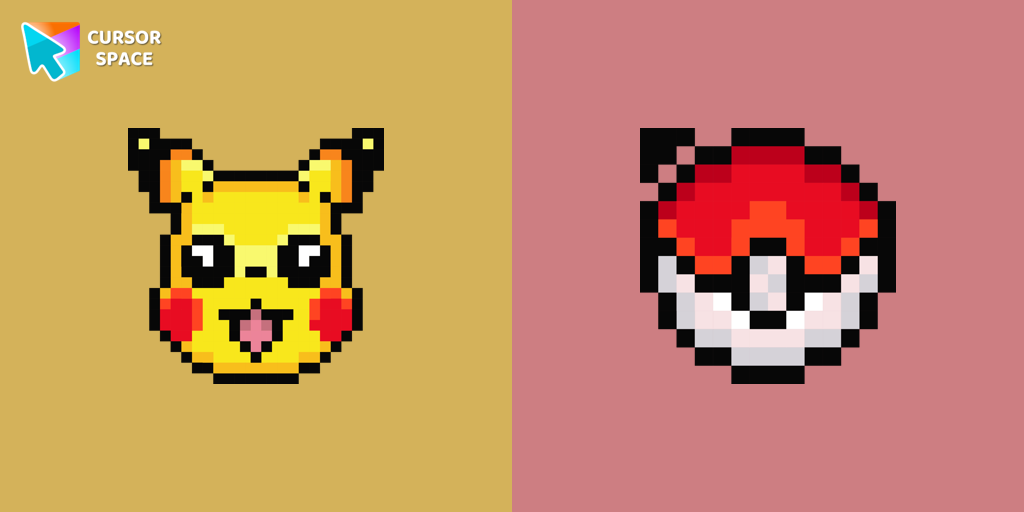
Pikachu Pixel cursor
(92)FreeCute Pixel custom cursors collection for Chrome gives you an opportunity to change the usual cursor to Pikachu Cursor in a cool pixel design.
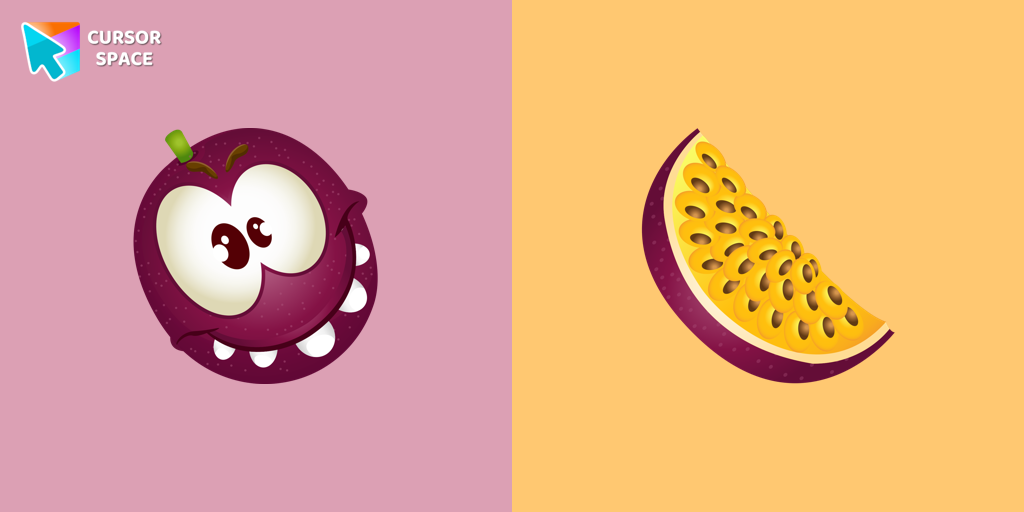
Passion Fruit cursor
(17)FreePassion fruit contains 50% natural juice. Meet the juicy passionfruit cursor for Chrome in a custom cursors collection with Fruits Cursors for mouse and pointers.
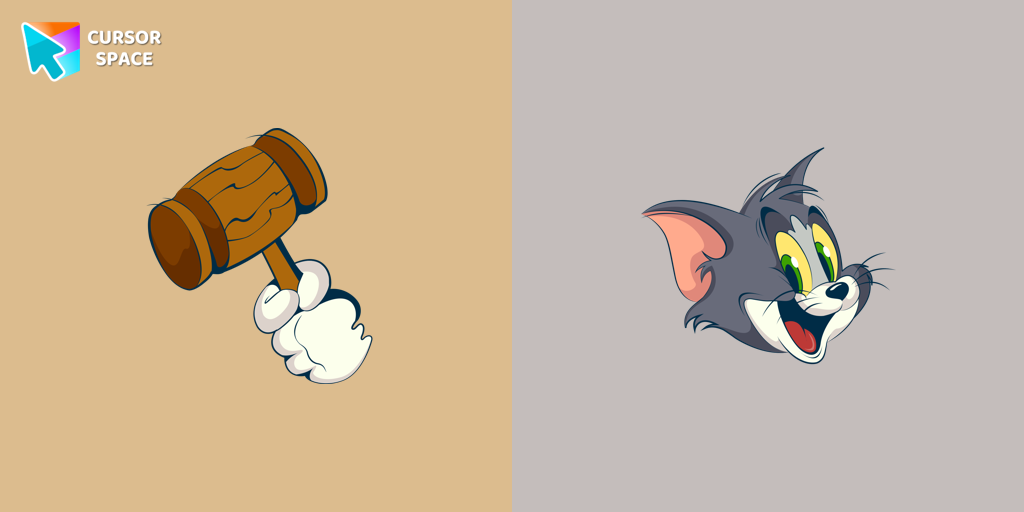
Happy Tom cursor
(133)FreeDiscover joy with the happy Tom cat cursor for Chrome in our collection inspired by Tom and Jerry custom cursors for your mouse and pointers.
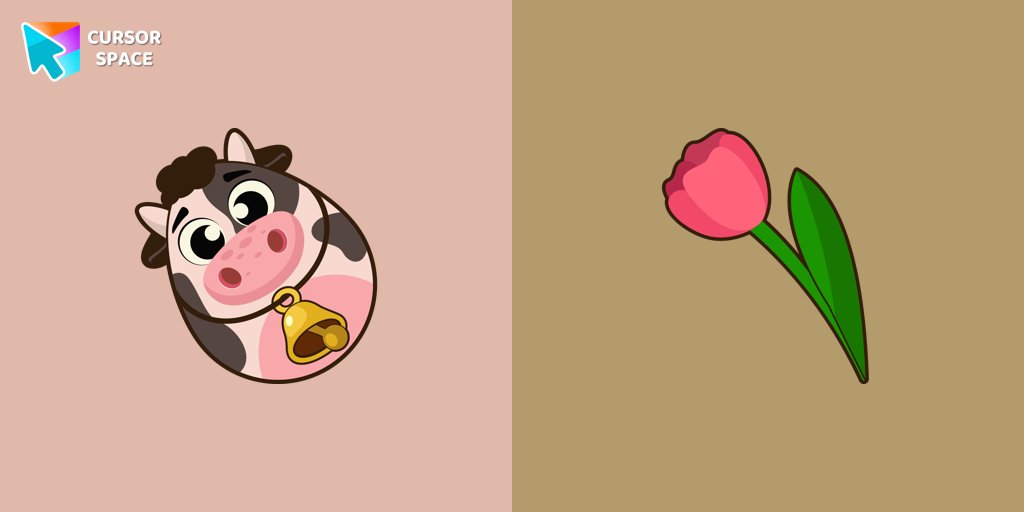
Easter Egg Cow cursor
(16)FreeCustom cursor with Egg Cow will change your usual cursor.
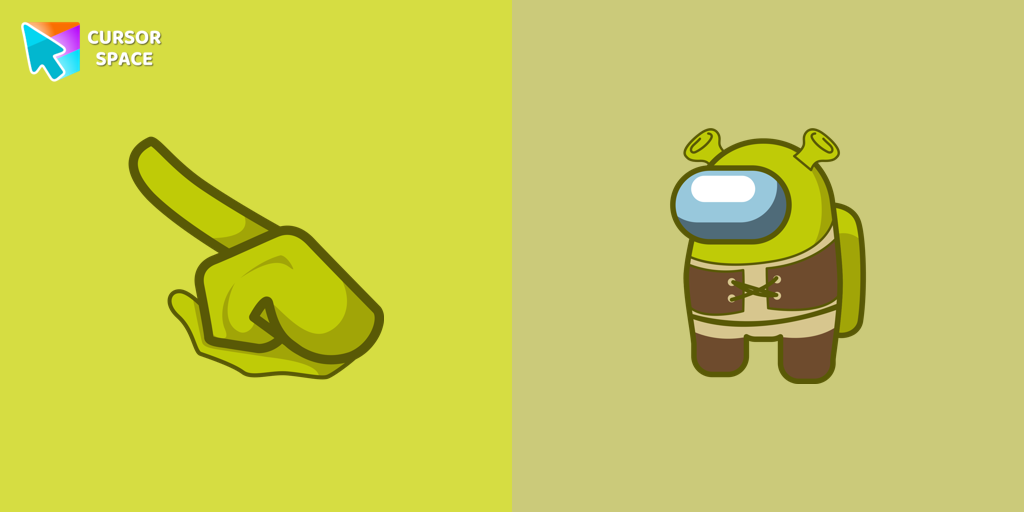
Among Us Shrek Character cursor
(85)FreeGet the Among Us Shrek character custom cursor for Google Chrome easily. Download and install the Shrek custom cursor for a fun, unique browsing experience.
Among Us Deer Character cursor
(85)FreeUnlock Fun and Whimsy with the Among Us Deer Character Cursor Funart
True Heart Bear cursor
(133)FreeThe True Heart Bear custom cursor brings charm and nostalgia to your browsing. Enjoy this adorable custom cursor for Google Chrome featuring the iconic Care Bears character.
Collection hits
Installation leaders from "Minion Custom Cursor": free packs, neon/anime/pixel art, quick add to Chrome and Edge.
- TOP 1
Bob the Minion cursor
(141)FreeAdd fun to your browsing with the Bob the Minion custom cursor for Google Chrome. This adorable design brings Bob’s playful charm to your screen.
- TOP 2
Minion Ninja Turtle Character cursor
(95)FreeTransform your browsing with a custom cursor for Google Chrome! The Minion Ninja Turtle Character cursor combines fun Minions with Ninja Turtle excitement.
- TOP 3
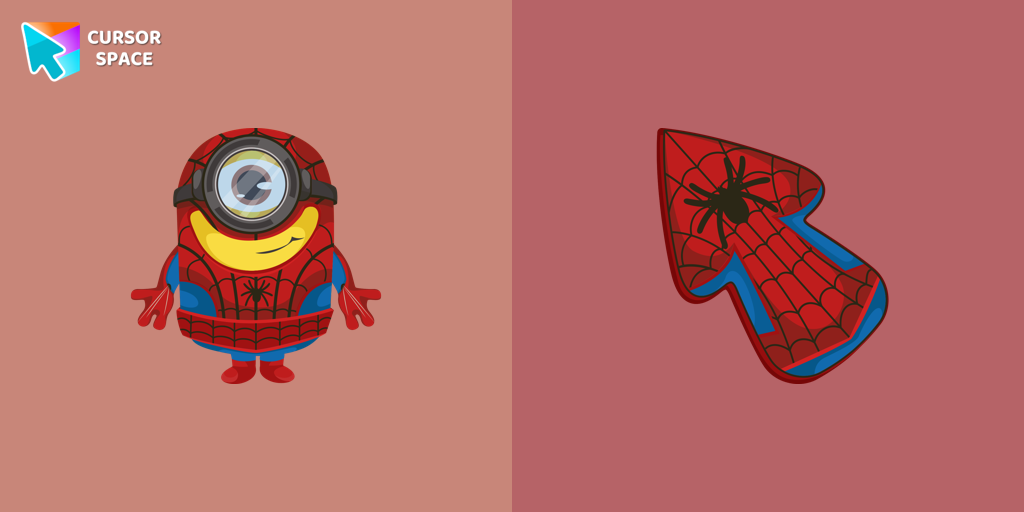
Minion Spider-Man Character cursor
(35)FreeMinions custom cursors collection for Chrome has various art designs skins for characters of the comics that are shown as cursors for browser.
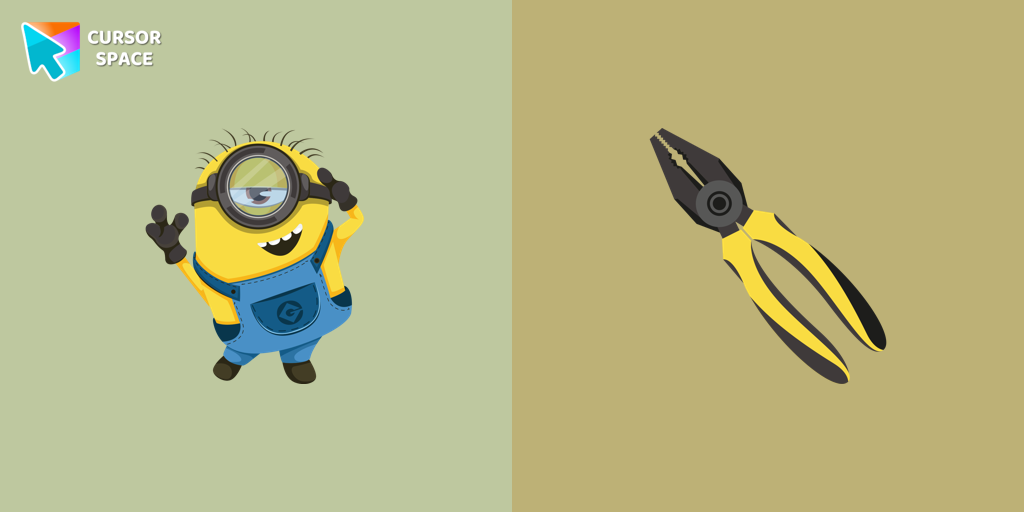
Stuart the Minion cursor
(32)FreeWe suggest you, too, relax while surfing the web with a custom cursor with Stuart the Minion.
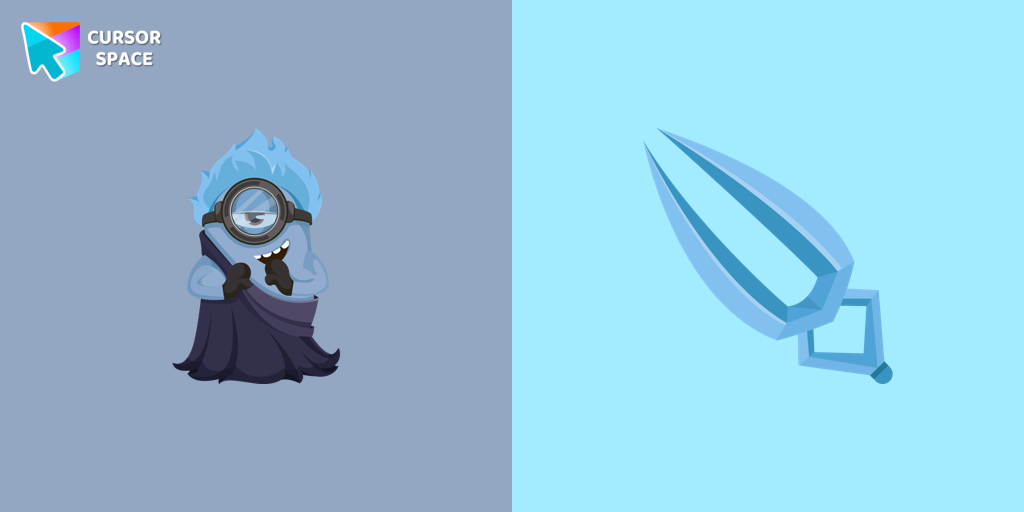
Minion Hades Disney Character cursor
(30)FreeIn our cute custom cursors collection with Minions, we depicted the Minion Hades as a custom cursor for the browser in beautiful graphics.
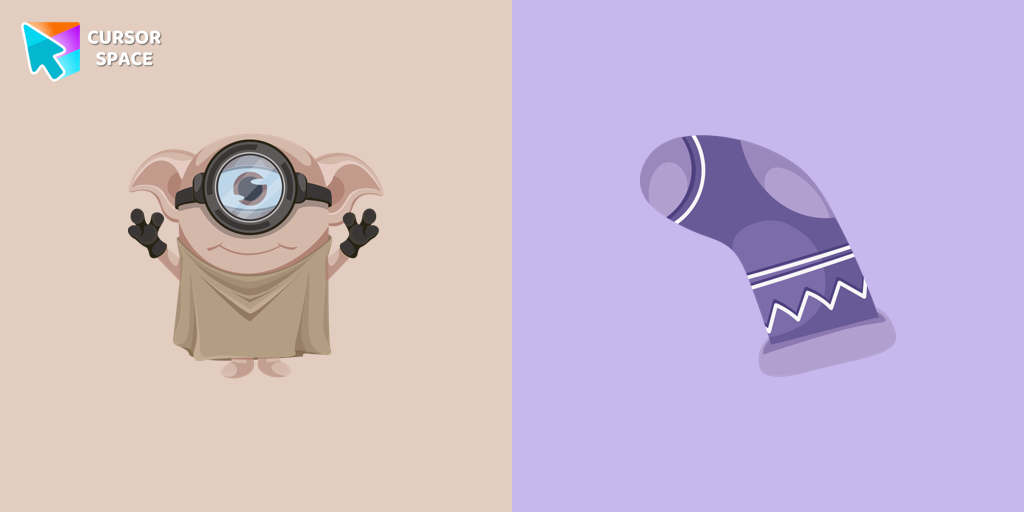
Minion Dobby Character cursor
(28)FreeCute Minion Dobby the house-elf cursor and pointer in our magic custom cursors collection with Minions.
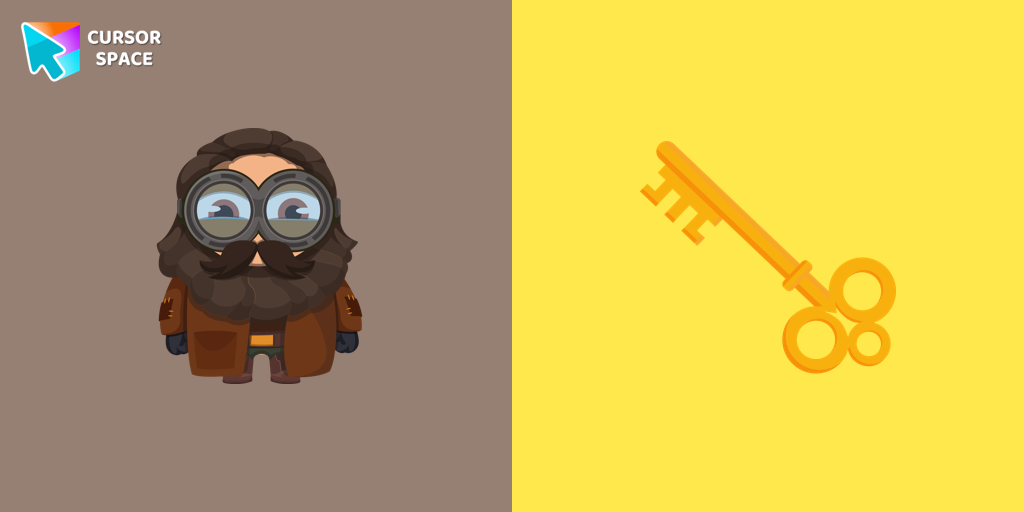
Minion Rubeus Hagrid Character cursor
(26)FreeWell-designed Minion Rubeus Hagrid from Minions custom cursors collection for mouse and pointer.
Install Cursor Space - A Collection of Custom Cursors for Chrome & Edge
Add packs instantly and unlock access to thousands of cursors: neon, anime, pixel-art, and more. Fast, safe, and free.
- Free cursor packs
- HD/HiDPI & animated icons
- Quick browser installation
Cursor Space is an extension for changing your mouse cursor in Chrome and Edge browsers: themed collections, HiDPI icons, neon, animated, and pixel cursors, with quick installation.